How to Choose the Right Drilling Simulator

Written By: Computer Science Professor
Deeply rooted in the R&D of simulators for the oil and gas industry, committed to bringing safety to every oil worker.
Drilling simulators matter a lot in oil and gas training. New drilling methods keep showing up, and work sites keep getting harder. Because of that, drilling companies, training institutions, and petroleum organizations need effective ways to develop professional skills and support safer work. Drilling simulators provide realistic training environments where personnel can practice drilling procedures, operate simulated equipment, and respond to unexpected situations without the risks and costs associated with actual drilling operations.
Selecting the right simulator can still be tough. Different oil and gas simulators offer different functions, technical configurations, simulation environments, and training capabilities. Some units fit everyday basic drilling practice. Others are built for well control, offshore work, workover tasks, or advanced integrated training.
To make an informed purchasing decision, an organization should evaluate its training requirements, simulation accuracy, system configuration, customization options, and manufacturer capabilities. This article covers key factors to consider when choosing a drilling simulator.
Understand Your Drilling Training Requirements
Before selecting a drilling simulator, it is important to determine what skills and operational procedures your training program needs to cover.
Your trainees likely have different duties. Drillers often need hands-on work with equipment and control of drilling settings. Engineers may focus more on planning jobs, reviewing technical data, and solving issues during operations. Well control staff need training for pressure control and emergency actions.
So, name the trainees you will train and set clear learning goals.
For instance, basic drilling courses may stress drilling steps, getting to know equipment, and adjusting operating parameters. More advanced courses often include tougher well control cases, equipment faults, abnormal drilling conditions, and fast choices during emergencies. Doing this helps you avoid buying a simulator that has extra features you do not need, or that cannot support the level of training you want.
Key Factors to Consider for Selecting the Right Drilling Simulator
1. Selecting the Appropriate Type of Drilling Simulator
Different drilling simulators are designed to meet different operational and educational needs. Selecting an appropriate type is one of the most important decisions during the purchasing process.
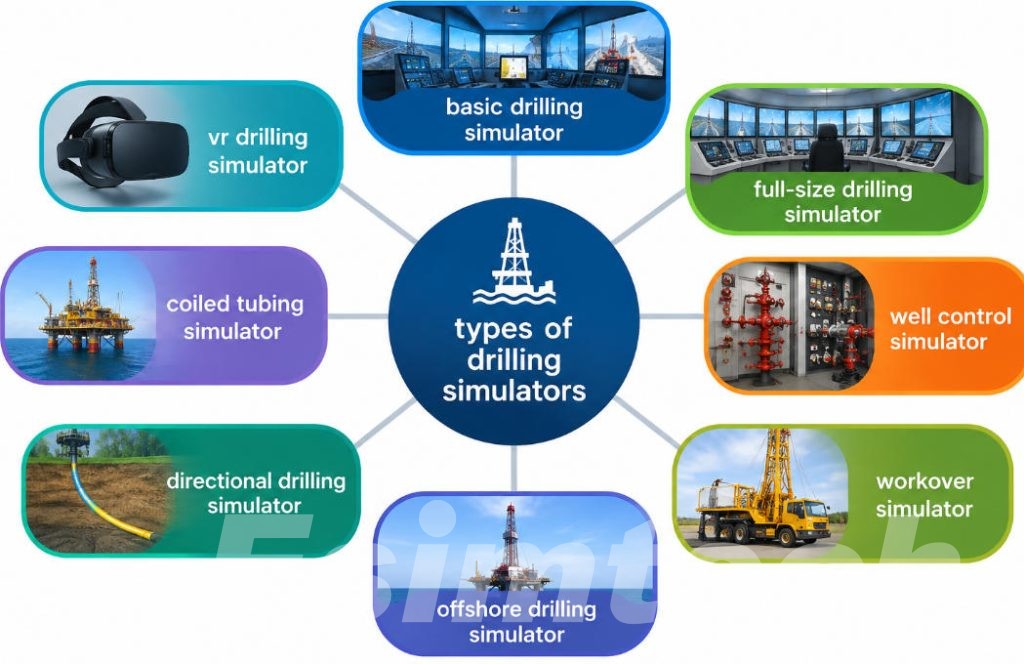
The following table introduces several common types of drilling simulators.
| Type of Drilling Simulator | Main Features | Training Applications | Key Benefits |
| Basic Drilling Simulator | Simulates fundamental drilling operations, equipment functions, and drilling parameters | Beginner drilling training and equipment familiarization | Helps trainees understand basic drilling procedures |
| Full-Size Drilling Simulator | Reproduces realistic drilling control consoles, operating panels, and equipment interfaces | Driller, assistant driller, and drilling crew training | Provides a realistic hands-on operating experience |
| Well Control Simulator | Simulates well kicks, pressure changes, blowout prevention, and well control procedures | Well control training and emergency response exercises | Improves pressure management and emergency decision-making skills |
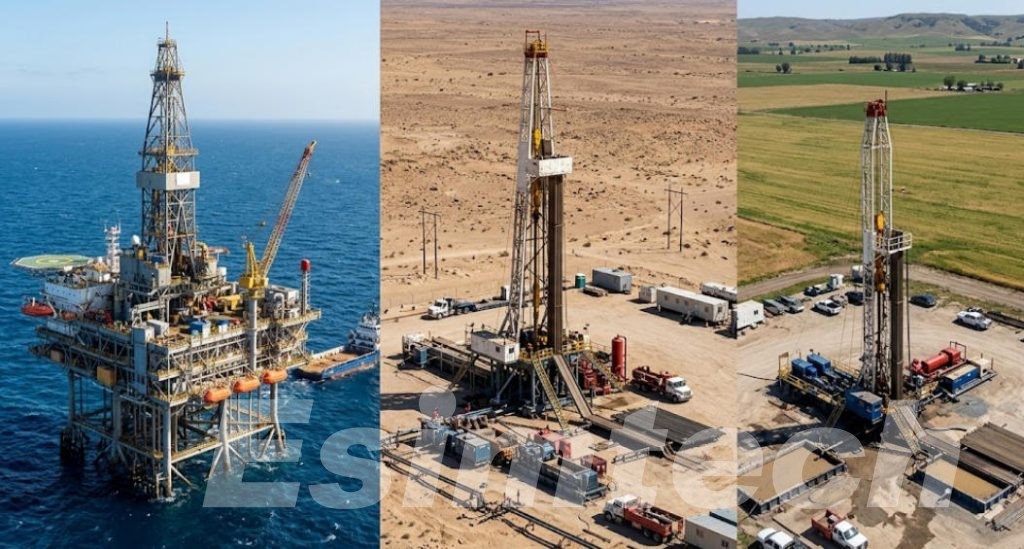
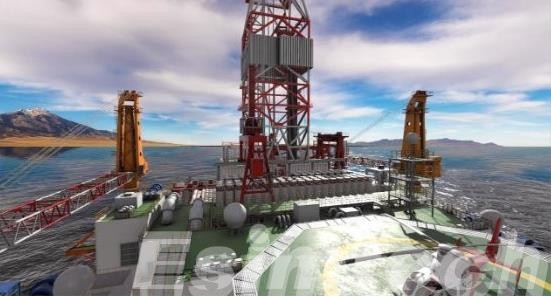
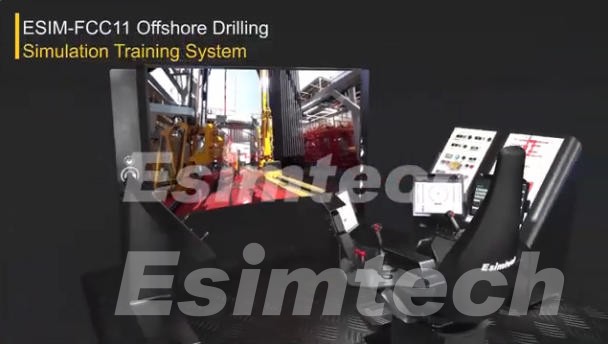
| Offshore Drilling Simulator | Reproduces offshore drilling environments, equipment, and operational conditions | Offshore drilling crew and platform personnel training | Helps personnel prepare for complex offshore operations |
| Workover Simulator | Simulates workover equipment, well intervention procedures, and related operations | Workover crew and well intervention training | Develops practical well servicing and intervention skills |
| VR Drilling Simulator | Uses virtual reality technology and immersive 3D environments | Equipment familiarization and interactive drilling training | Creates an immersive and engaging learning experience |
| Integrated Drilling Simulator | Combines multiple drilling functions, equipment models, and training scenarios | Comprehensive petroleum engineering and drilling personnel training | Supports different training objectives within one platform |
| Directional Drilling Simulator | Simulates well trajectory planning, directional control, and drilling parameter adjustments | Directional drilling engineer and specialist training | Improves understanding of wellbore trajectory control |
| Managed Pressure Drilling (MPD) Simulator | Simulates pressure management, circulation systems, and managed pressure operations | MPD operator and drilling engineer training | Develops skills in controlling complex downhole pressure conditions |
| Coiled Tubing Simulator | Simulates coiled tubing equipment, operational procedures, and intervention activities | Coiled tubing operator and intervention crew training | Helps trainees understand specialized intervention operations |
When choosing a simulator, organizations should consider whether they need a specialized training system or a comprehensive platform covering multiple drilling operations. An integrated system may be particularly useful for institutions that provide training for different job positions.
2. Evaluating Simulation Accuracy and Realism
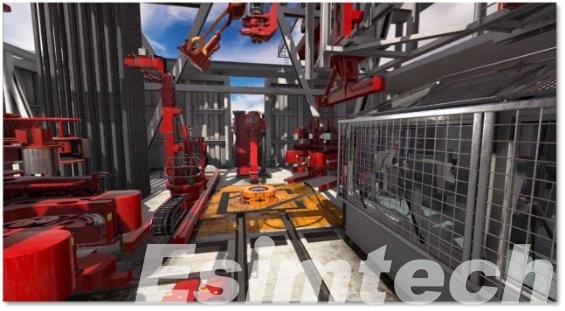
How close the simulation is to real work affects what trainees learn. The unit should match actual drilling conditions as closely as possible. Trainees then build real skill and learn to decide using feedback that feels right.
A key check is whether the system can represent important drilling values. These include hook load, standpipe pressure, rotary speed, torque, mud flow rate, and drilling depth. The numbers should shift in a logical way when conditions change, or when the trainee makes input actions.
The simulator must also give realistic behavior for the equipment, drilling steps, and the links between operations. For instance, if trainees change drilling settings, the simulator should respond with feedback that matches the resulting downhole and surface situation.
It also needs to handle trouble cases. Training runs with faulty equipment, sudden pressure shifts, well kicks, and other issues can build stronger troubleshooting habits.
With a solid simulator, trainees can carry what they learned into real drilling work. That transfer should feel smoother and more direct.
3. Checking Available Simulation Scenarios
A drilling simulator should offer many scenario types for different skill levels and training needs.
Start with simple cases like rig start, routine drilling, tripping jobs, and changes to drilling parameters. Later, move to harder cases. These can include well control events, lost circulation, stuck pipe, equipment problems, and tougher offshore drilling setups.
Custom options matter too. Instructors should be able to tweak key settings, add surprise events, and set the difficulty based on who is training.
For example, new trainees can begin with normal drilling steps first. Then they can shift toward scenarios that combine several operational problems.
A simulator that includes varied and adjustable scenarios can help support ongoing skill growth. It can also make training more useful for the program goals.
4. Considering Hardware and Software Configuration
Hardware and software choices affect how well the simulator works and how it feels to use.
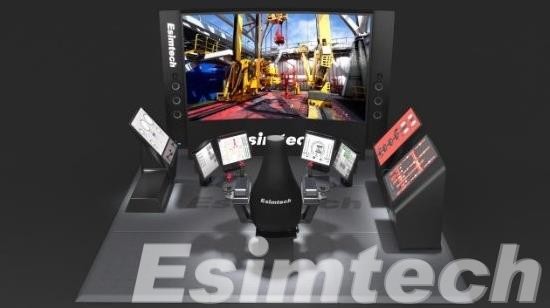
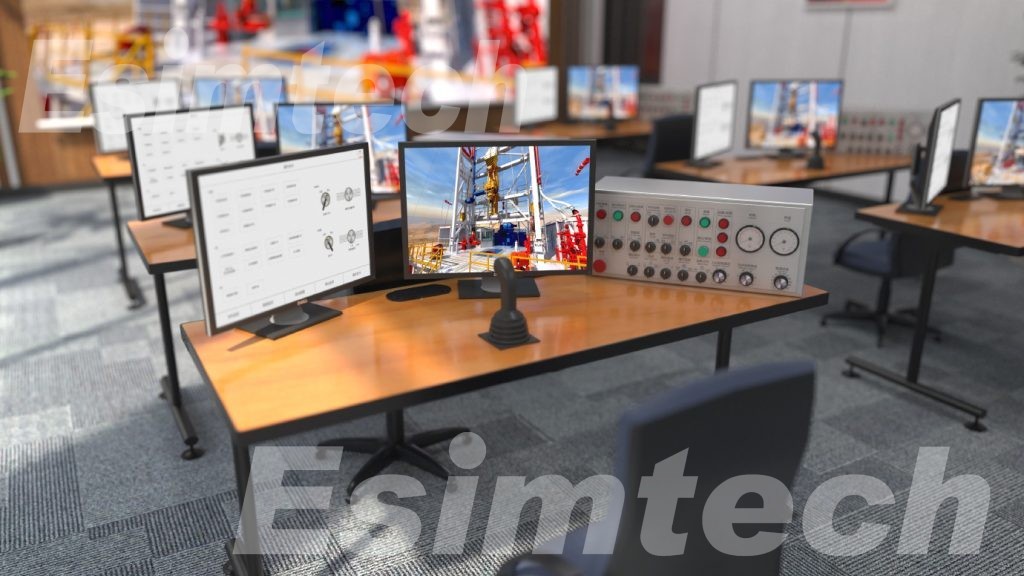
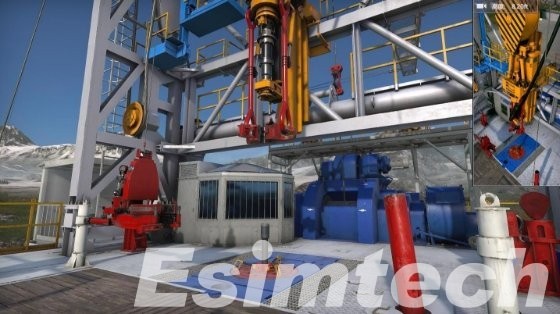
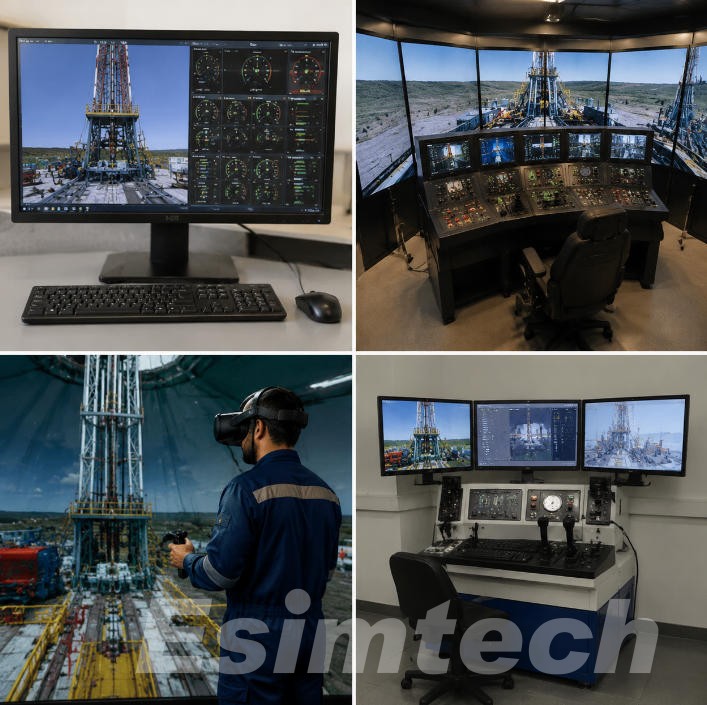
Hardware may include control consoles, drilling panels, display screens, joysticks, communication gear, and special operator interfaces. The goal is to make these parts look and behave like the real drilling tools used in the field.
Software matters as well. The simulation system should run without frequent issues, use realistic process models, show clear visuals, and compute data correctly.
When you check the setup, look for support for more than one training station, instructor override, live parameter views, and storage of training logs.
It is also important to check whether the hardware and software can be upgraded or expanded as training requirements change. A flexible configuration can help organizations extend the service life of their investment.
5. Evaluating Virtual Reality and Digital Simulation Technologies
Modern drilling simulators increasingly incorporate advanced technologies such as virtual reality (VR), 3D visualization, and digital twin technology.
VR technology creates a hands-on training space. Trainees can get to know drilling tools, learn common steps, and practice in settings that match real work. It works well for equipment familiarization and training plans built around scenarios.
3D views also support learning. They make it easier to see how drilling gear is built and how different parts connect during operations. Digital twin tools can add more realism too, but only when the right data can be linked to the real equipment and the work records.
Still, new tools should not be picked just because they look new. The key question is whether the tool helps people learn better, understand operations more clearly, and improve training results.
Organizations should pick the options that fit their training goals. If a tool does not support those goals, it is not a priority.
6. Assessing System Scalability and Customization
Training needs can shift over time. New drilling methods may appear, and organizations may grow into new sites. Because of this, it helps to choose a simulator that can scale and be adjusted over the long run.
A good system should let users add new drills and training cases. It should also support edits to operating settings. If new simulation modules are needed later, the system should be able to include them.
For instance, a group might start with basic drilling practice. Later, it may need well control, offshore drilling, or workover training in addition to the initial modules.
Customization matters when companies use special drilling equipment. It also matters when teams follow specific work steps. Being able to adjust the model and the training screens can keep the simulator close to actual job conditions.
Before buying, talk about what customization support is offered. Ask about software updates, how hardware can be expanded, and whether it works with your current training setup.
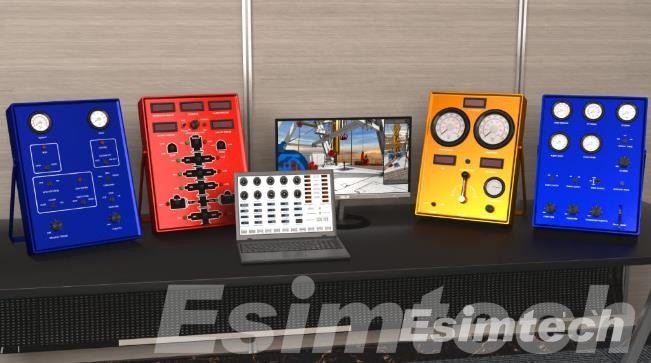
7. Comparing Training Management and Assessment Functions
An effective drilling simulator should do more than reproduce drilling operations. It should also help instructors evaluate trainee performance and identify areas for improvement.
Training management functions may include:
- Performance Monitoring: Records operating values and what the trainee does during practice
- Training Record Management: Keeps each trainee history and the results of each exercise
- Instructor Control: Lets instructors start, stop, pause, and adjust scenarios
- Performance Assessment: Checks process accuracy, time to respond, and correct procedure use
- Error Analysis: Points out mistakes and helps set up the next training steps
- Progress Tracking: Shows instructors where trainees improve in knowledge and practical skill
With these tools, teams can run training plans in an organized way. It also becomes easier to confirm that trainees reach the needed competence.
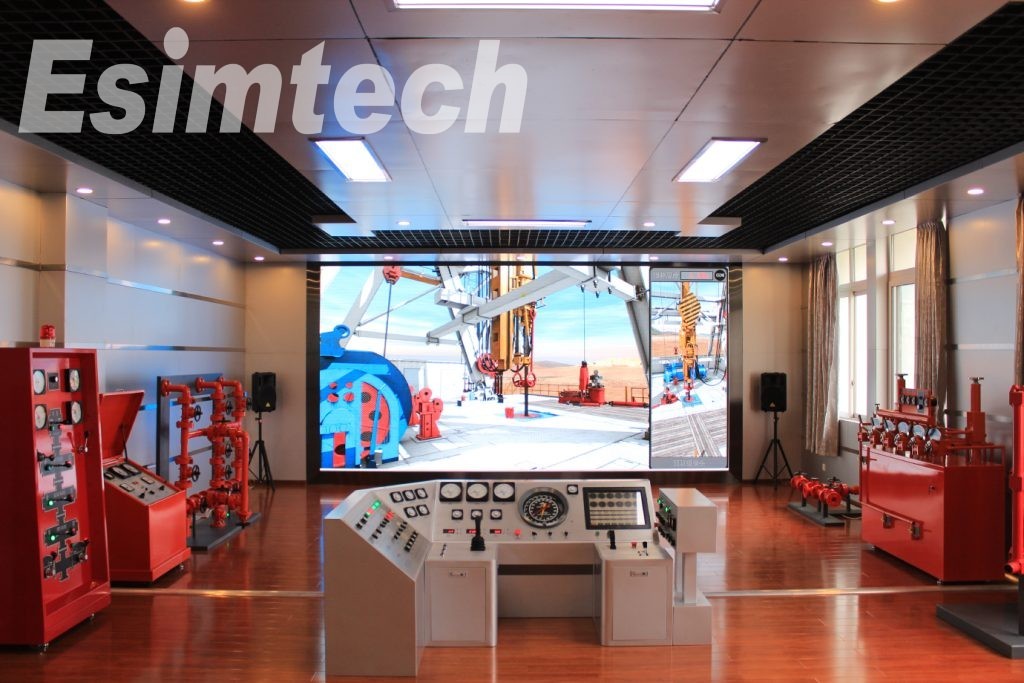
8. Choosing a Reliable Drilling Simulator Manufacturer
The manufacturer’s technical experience and industry knowledge are important considerations when purchasing drilling simulators.
A qualified manufacturer should understand drilling equipment, petroleum engineering, simulation modeling, and professional training requirements.
When evaluating potential suppliers, organizations should examine their product portfolio, R&D capabilities, previous projects, technical qualifications, and experience in the petroleum industry.
It is also important to evaluate after-sales services. Installation and setup matter. So do commissioning, hands-on training, software upgrades, routine maintenance, and help when something breaks. These items can affect how well the simulator performs over many years.
It helps to work with a team that has done this for a long time. With an experienced manufacturer, you are more likely to get a simulator that fits the day-to-day needs and gets support through the whole service period.
Esimtech is a professional manufacturer of drilling simulators. They focus on training for oil and gas work. Their team builds simulator solutions for drilling practice and related tasks. Esimtech also supports well control, workover, and offshore drilling training. They rely on solid technical know-how and active research. The goal is to use realistic drilling situations in training. This helps oil and gas companies, drilling contractors, and training schools improve skill levels, raise safety during operations, and make training more effective.
9. Evaluating Total Cost of Ownership
The sale price is only part of what you will spend. You also need to think about what it costs to run and maintain the simulator over time.
Plan for more than the machine itself. Costs to review include the initial hardware price, software licenses, installation, training, upkeep, technical help, and upgrades later on.
A cheaper simulator may work for basic drills. But it might not include richer scenarios or customization you need for serious training. A higher-priced system can also be a poor fit if it brings extra features you will not use.
The right option is not always the cheapest or the most advanced. Compare what the system can do, how long you expect it to last, what it will add to training, and the full ownership costs.
Common Mistakes to Avoid When Choosing Drilling Simulators
Even when organizations understand their training requirements, several common mistakes can affect the purchasing decision.
| Common Mistakes | Potential Consequences | How to Avoid Them |
| Focusing Only on Purchase Price | May result in purchasing a simulator with limited functions and insufficient training capabilities | Compare overall performance, features, and total cost of ownership rather than focusing only on the initial price |
| Ignoring Actual Training Requirements | The selected simulator may not match the needs of drillers, drilling engineers, or well control personnel | Define training objectives, target users, and required operational skills before purchasing |
| Overlooking Simulation Accuracy | Unrealistic operating parameters and equipment responses may reduce training effectiveness | Evaluate simulation models, drilling parameter accuracy, and equipment behavior |
| Choosing Limited Training Scenarios | Trainees may lack experience handling complicated drilling operations and emergency situations | Select simulators that support normal drilling, well control, equipment failures, and abnormal operating conditions |
| Ignoring Hardware Configuration | Inadequate control panels, operating interfaces, or display equipment may affect the training experience | Check hardware specifications and ensure the configuration meets operational training requirements |
| Neglecting Software Performance | System delays, inaccurate feedback, or software instability may interrupt training sessions | Evaluate software reliability, data processing capabilities, and system responsiveness |
| Overlooking Customization Options | The simulator may not accommodate specialized equipment or changing training requirements | Choose a supplier that provides customizable scenarios, parameters, and simulation modules |
| Ignoring System Expandability | The system may become unsuitable when new training programs or operational requirements are introduced | Check whether additional modules, hardware, and software upgrades can be integrated |
| Neglecting Training Assessment Functions | Instructors may find it difficult to evaluate trainee performance and identify operational weaknesses | Select systems with performance monitoring, data recording, and assessment functions |
| Choosing an Inexperienced Manufacturer | The simulator may lack technical reliability or industry-specific functionality | Evaluate the manufacturer’s industry experience, R&D capabilities, and project references |
| Overlooking After-Sales Support | Maintenance problems and technical issues may lead to extended training interruptions | Confirm the availability of installation, commissioning, maintenance, and technical support |
| Ignoring Long-Term Operating Costs | Unexpected maintenance, licensing, and upgrade expenses may increase the total investment | Evaluate the complete lifecycle costs before making a purchasing decision |
Avoiding these mistakes can help organizations make more practical purchasing decisions and maximize the value of their drilling simulation investments.
Final Words
Selecting the right drilling simulator takes more than comparing product specifications and prices. You should think about training goals first. Then match the simulator type to the work. Also look at how realistic the training is, what scenarios are available, and how the hardware and software are set up. Advanced options and customization can matter too. Finally, the manufacturer’s support should be part of your decision.
For routine basic operational training, a standard drilling simulator might be enough. When the goal is more specialized professional development, organizations may use well control simulators, offshore drilling simulators, or workover simulators. These can focus on specific tasks.
Organizations with comprehensive training requirements may benefit from integrated simulation systems that can support multiple operational scenarios.
Ultimately, the ideal drilling simulator should combine realistic simulation performance, flexible training functions, reliable technical support, and long-term expandability. Oil and gas companies, drilling contractors, and petroleum training centers can judge these factors and select a fitting option. This helps improve staff skills. It also strengthens safer operations and supports the development of professional drilling teams.